

Home office tips and experiences
5 min read
We at interactive tools have had good experiences with working from home for several years now, but having almost all colleagues working from home is new for us too. Here we're collecting and sharing our experiences and tips after almost a year of remote agency operations.
We're especially glad of the exchange with our customers, partners and employees during this time. Everyone is gaining new experiences and learning fast right now. Questions and tips of all kinds are welcome!
Staying able to work: the basics for a functioning home office
We know what we actually need to be able to work. Now we need to ensure everyone has access to it — including from home. For us, that means:
Hardware – we ensure everything needed to work productively is available at home.
Laptops, iMacs, PCs, smartphones, mice, keyboards, monitors, smart pads, headphones, microphonesSoftware – We ensure all programmes work, VPNs are installed and everyone has access to important data.
Network (VPN), messengers (Teams, Slack), meeting tools (Skype, GoogleMeet), work tools (GitLab, Adobe Creative Cloud, Sketch, Microsoft Office), collaboration tools (Miro, Mural)Communication – we make sure communication among ourselves and with our customers doesn't suffer.
Remote dailies, video calls, team chats, e-mail lists, Jira tickets, Confluence
How remote meetings work: key rules and tips for effective virtual group calls
We've had various experiences with conference and video calls. These measures work well for us:
Punctuality: We want to be reliably available especially for our clients. That means we also pay attention to punctuality in remote meetings and don't wait long for latecomers.
Only one person speaks at a time: Transmission delays and echoes make speaking at the same time difficult. Our rule, therefore: only one person speaks at a time!
Moderators for larger groups: For group sizes of five or more, we need moderation for calls. A team member guides through the agenda, hands over the floor and finally summarises findings and decisions. From ten people, two moderators are recommended.
Mute when possible: We find that conference connections are more stable when everyone who isn't speaking mutes their audio and video input. That means switching off video and microphone.
Parallel chat: Questions and notes can be collected together in a chat window. This way no impulses are lost and questions can be addressed step by step.
Workshops from home office are possible: We run workshops by filming whiteboards/flipcharts. We use small boards and hold up Post-its to the camera before pinning them up. We're currently testing tools for digital pinning of notes. Presentations run smoothly via screen sharing.
Fully exploit tools: we experiment with the functionalities of our programs
Now our tools can show what they can do! We're currently testing all sorts of functions that we might not have used before. What's this button actually good for?
Some colleagues are using the status message in Microsoft Teams for the first time, to let others know when they're focusing, on a break, or available.
We export chat logs to document video conferences.
Remote maintenance via TeamViewer: Our IT support can access all computers using TeamViewer if needed. This way, DNS caches can be cleared, routers reconfigured and, if necessary, even IE 11 installed, from anywhere.
New tools we hadn't used before, like Miro or Mural, are currently being tested together.
What can we do for you?
Want to bring a digital project to life? Want to discuss your current situation? Then get in touch.

Remote culture maintenance: how we keep team spirit alive
The heart of interactive tools is its people and community. When everyone sits alone at home in front of a screen, it's hard to feel that spirit. So we rely on a few rituals that nurture our team spirit.
Open dailies: Every morning, anyone who wants to can join the agency call at 9 am. We discuss the current state, exchange views, ask questions, call for help, vent, calm down and check how everyone else is doing.
Exchange via Teams: Microsoft Teams is currently our platform for discussions, statements, updates, questions, concerns, anecdotes and jokes. Everything we would otherwise communicate in meetings or in the corridor currently happens on Teams.
Virtual coffee breaks: Some meet up with a big cup of coffee for a ten-minute coffee break. What has already led to creative ideas in the agency kitchen also helps us in the home office.
Remote yoga: Our yoga class continues to run regularly on Mondays and Wednesdays – via video link.
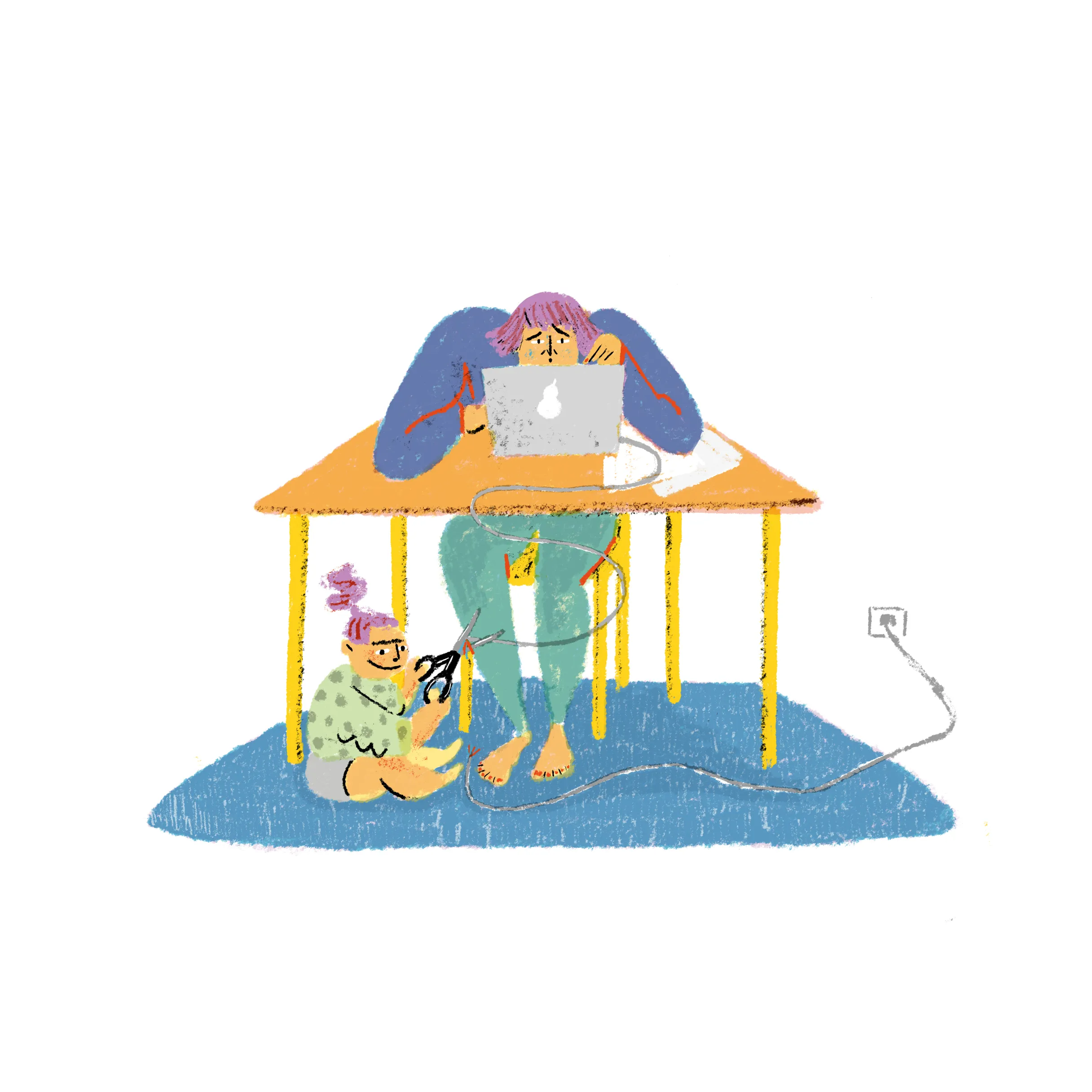
Understanding: All colleagues currently face different, challenging conditions under which they have to work. Whether two children or three dogs at home: many are confronted with challenges. What we can give each other is understanding, patience and compassion. Fortunately, we're not currently seeing any delivery bottlenecks here.
The most important thing to finish with: stay healthy – physically and mentally
The most important thing for us: all colleagues stay healthy. Alongside the measures recommended by the federal government, we're giving additional tips for self-protection at home:
Stay calm: Most accidents happen in the home. Since we're all at home now, we should approach it calmly and sensibly. This can be particularly difficult with children in the house. We at interactive tools continue to work calmly and with focus. That also means being considerate towards one another.
Pay attention to hygiene: Wash hands and wipe surfaces regularly, avoid people who are unwell.
Mind your psycho-hygiene: Set up a dedicated workspace, keep regular working hours where possible (including finishing on time), take breaks, realise focus periods without distractions.
Not watching live coverage: We don't recommend our employees follow the Corona live ticker. It's distracting and makes you crazy.
Your contact person
- Klaus Cloppenburg
Managementsynaigy
Show phone numberShow email address