



Remote testing: our UX lab from home
4 min read

Remote testing: how our UX lab works from home
With remote UX testing, the UX lab test simply moves online.
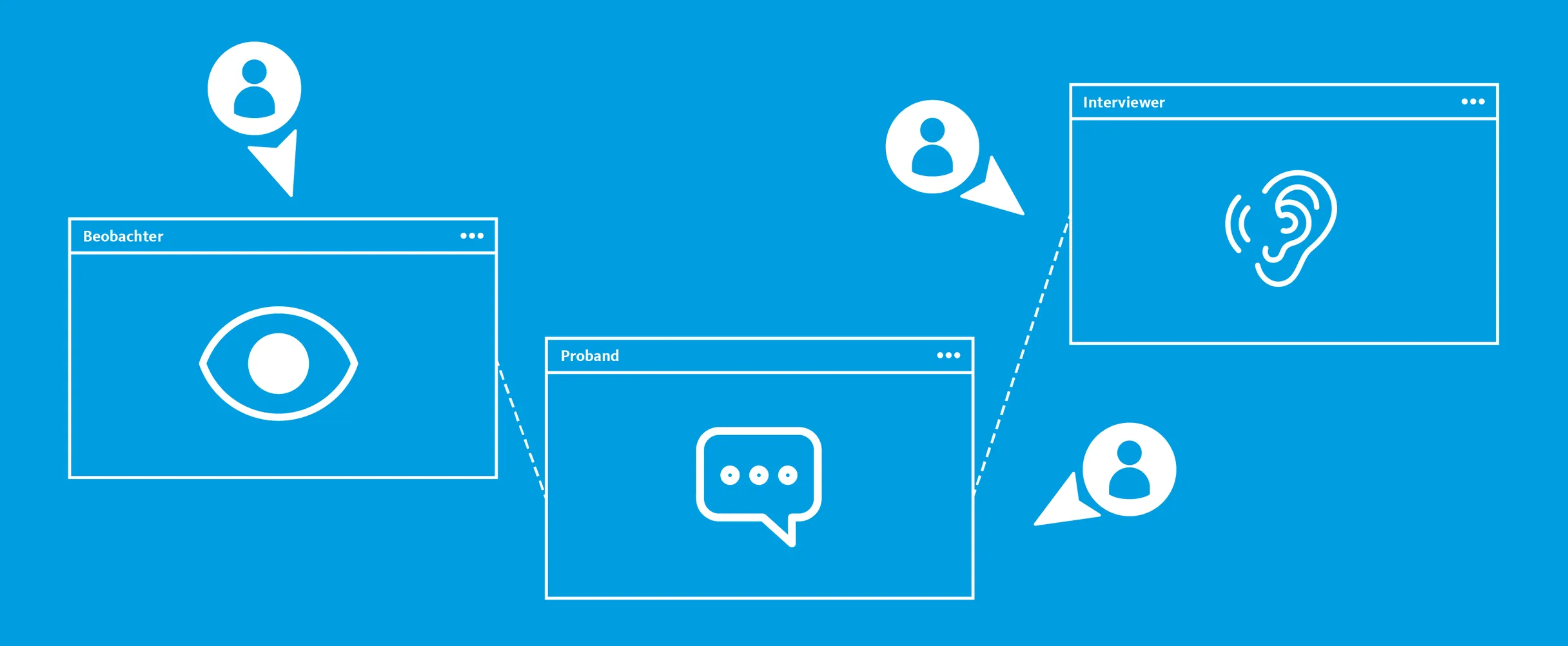
The main difference is that test participants, researchers and observers aren't in the same location. Participants are in their natural environment and use their own devices to test digital products – both desktop and mobile. Anything can be tested this way: from wireframes to prototypes to the finished product.


25 years of synaigy – we test the future
Testing must be possible from anywhere. This isn't an experience we've only had since the pandemic. Many topics of the future speak in favour of remote testing: climate protection through fewer trips, testing products in their natural environment, flexibility in the face of unforeseeable events, accessibility and inclusion. For our 25th anniversary, we're addressing these and other questions about the future – find out more on our 25-years page.
25 years of synaigy
Remote testing: how it works
Test moderation takes place via an online tool. This way, impressions and expectations of participants, as well as questions or notes from the test facilitator, can be exchanged in real time – just like in the UX lab test.
When testing websites or prototypes, both the screen and participants' facial expressions and voice are recorded via the testing platform. These videos are available after the sessions and can be exported in good quality and made available to everyone.
In remote testing, users test digital products in their natural environment.
Observe live and collect and prioritise the results together
The participant sessions can be observed and evaluated together in our workshop room. Via the testing platform, however, the sessions can also be live streamed to up to ten observers. Remote observation is a practical option for continuing testing seamlessly even when the relevant stakeholders can't come together.
For example, with online whiteboard tools, observation can also be carried out entirely remotely. The observations are then collected, clustered and prioritised on a digital whiteboard.

Larger sample sizes through unmoderated or automated tests
Remote testing can also be carried out unmoderated. Here, participants independently work through use cases made available to them via testing platform. This way, (moderation) effort can be saved, e.g. to test a larger number of participants. Further questions or notes aren't possible in this case, or could only be captured via a subsequent questionnaire. Automated remote tests that rely on quantitative data go a step further. Here focus is on question of what users do on a website, without gaining concrete insights into the why from test subjects.
Advantages and disadvantages of remote testing
Benefits:
Hard-to-recruit target groups can be reached better
More flexible and diverse, as test participants can join from anywhere
Even more realistic results, since participants use their own device in their natural environment
Can potentially be carried out faster and more efficiently than tests in the UX lab
With unmoderated and automated tests, larger sample sizes are possible
Disadvantages:
Change of perspective made somewhat more difficult by lack of eye tracking and mouse clicks
Participants need to be somewhat more tech-savvy and have suitable technical equipment
We also carry out many other testing methods remotely: whether it's online surveys, in-depth interviews or card sorting to optimise information architecture.
Your contact person
- Marcus Völkel
Consultingsynaigy
Show phone numberShow email address

Subscribe to the blog now and never miss any news
✔️free of charge ✔️weekly news ✔️expert knowledge
Please accept the corresponding cookies to view this embedded content.